A Framer template is a ready-made website built inside Framer. It includes professionally designed pages, layouts, animations, responsive sections, and reusable components.
Learn more
How to Use Our Framer Template
Launch your website in just four simple steps. No coding required. Customize your template, connect your domain, and publish a professional website in minutes.
1. Choose Your Template
Browse our collection, select the template that fits your business, and duplicate it to your Framer workspace.
2. Customize Your Template
Replace the demo content with your own logo, text, images, colors, and branding using Framer’s easy visual editor.
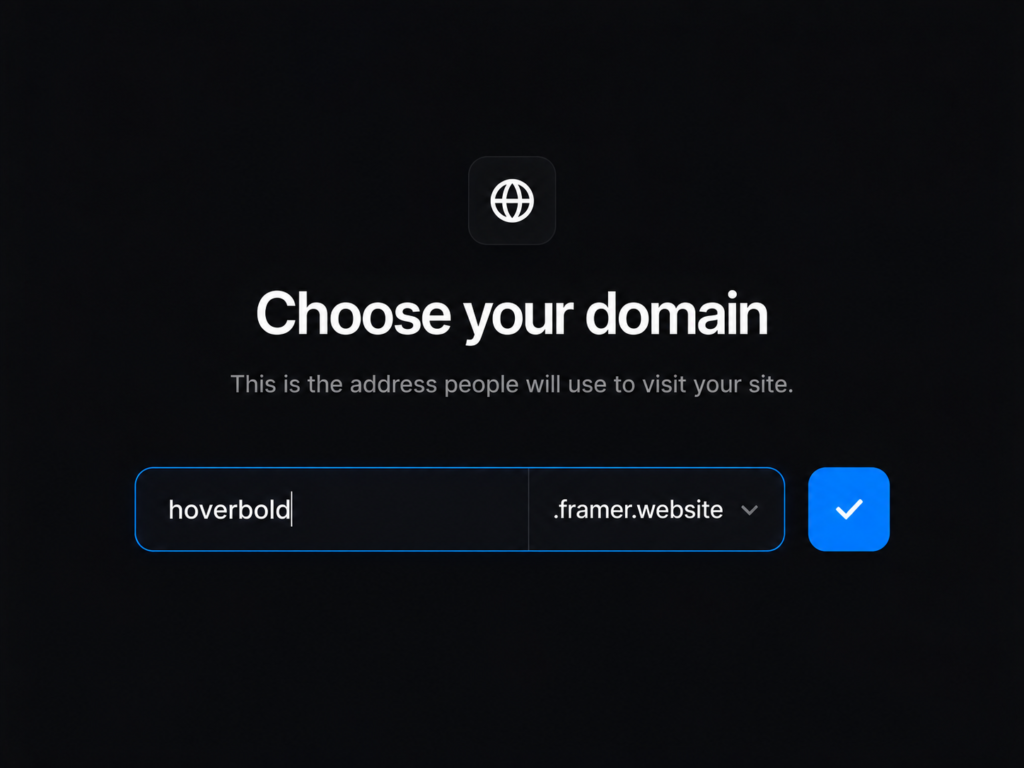
3. Connect Your Custom Domain
Link your own domain to give your website a professional web address and strengthen your brand.
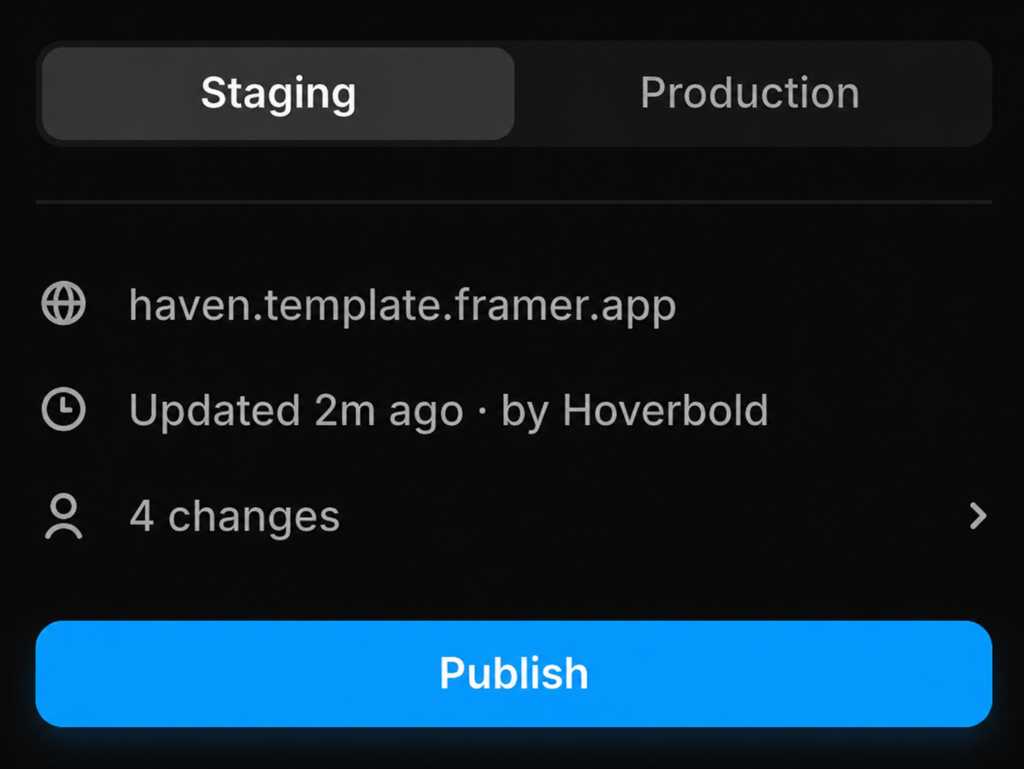
4. Publish Your Website
Preview your site, make final adjustments, and click Publish to launch your website to the world.
That’s it! Your professional Framer website is ready to go live.
A Framer template is a ready-made website built inside Framer. It includes professionally designed pages, layouts, animations, responsive sections, and reusable components.
Learn more
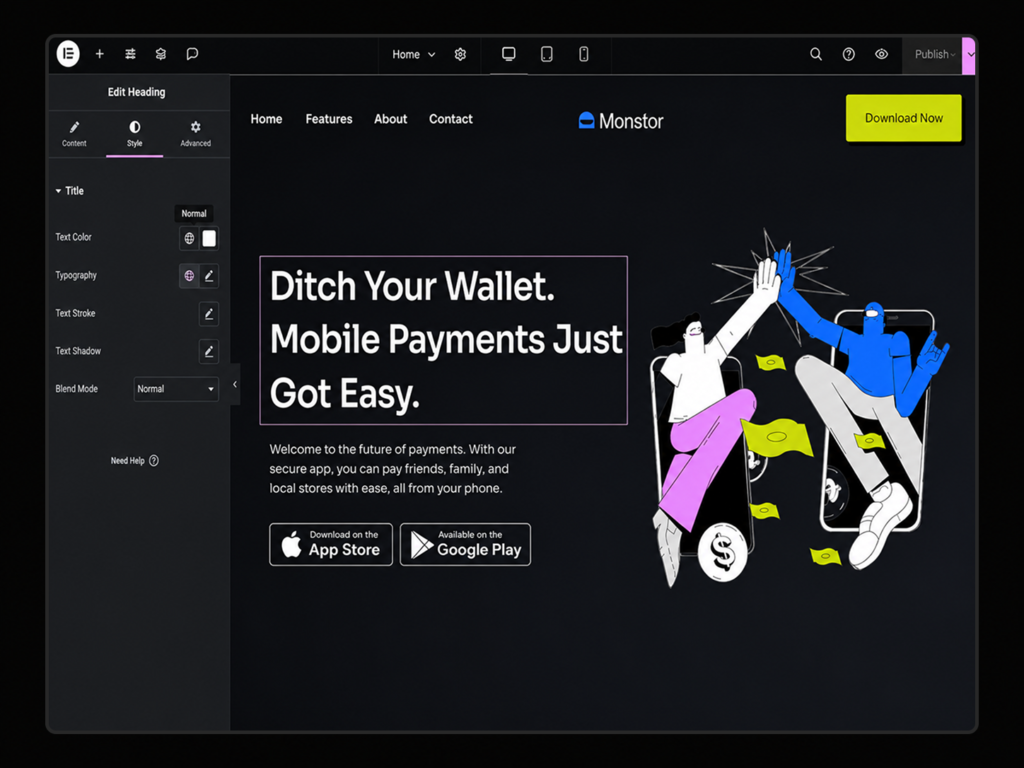
How to Use Our Elementor Template
Build your professional WordPress website in four simple steps. Install your template, customize it with your branding, and launch your website without writing a single line of code.
1. Choose Your Template
Browse our Elementor template collection, select the design that best matches your business, and download your template files after purchase.
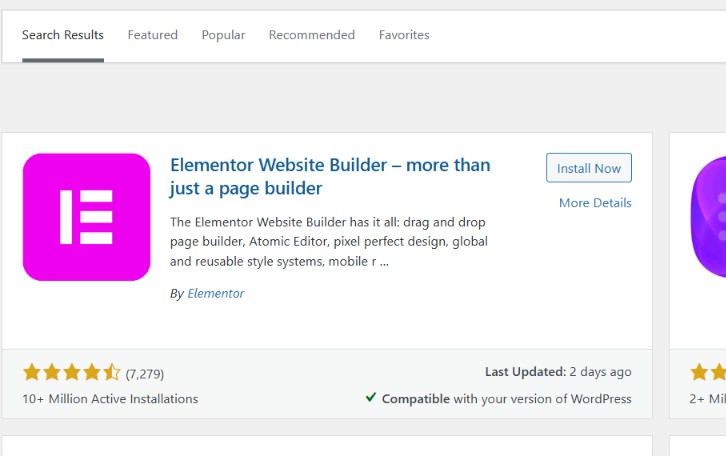
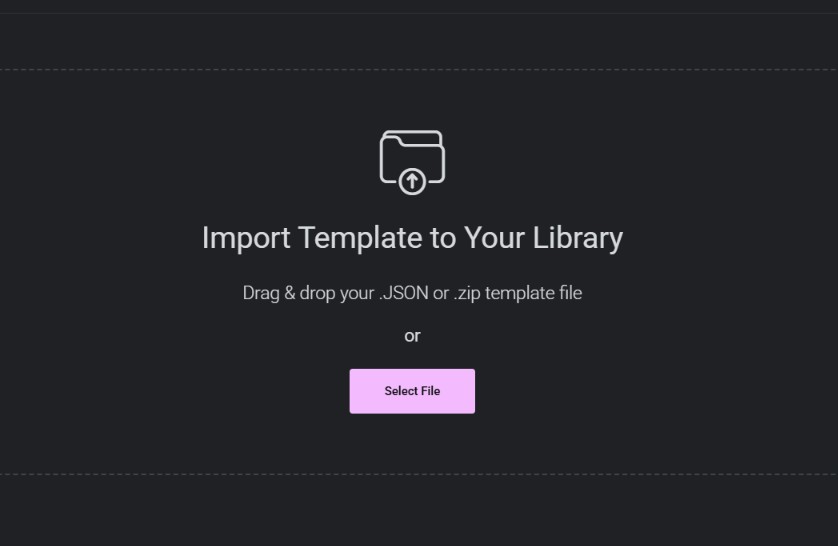
2. Install & Import Your Template
Install WordPress and Elementor, then upload the required template files or Website Kit. Follow the import process to instantly recreate the complete website on your WordPress site.
3. Customize Your Template
Replace the demo content with your own logo, text, images, colors, and fonts. Edit sections using Elementor’s drag-and-drop editor and adjust the design to match your brand.
4. Publish Your Website
Preview your website on desktop, tablet, and mobile, test all links and forms, then click Publish to make your website live.
Your professional Elementor website is now ready to impress your visitors.